
EXIF Viewer
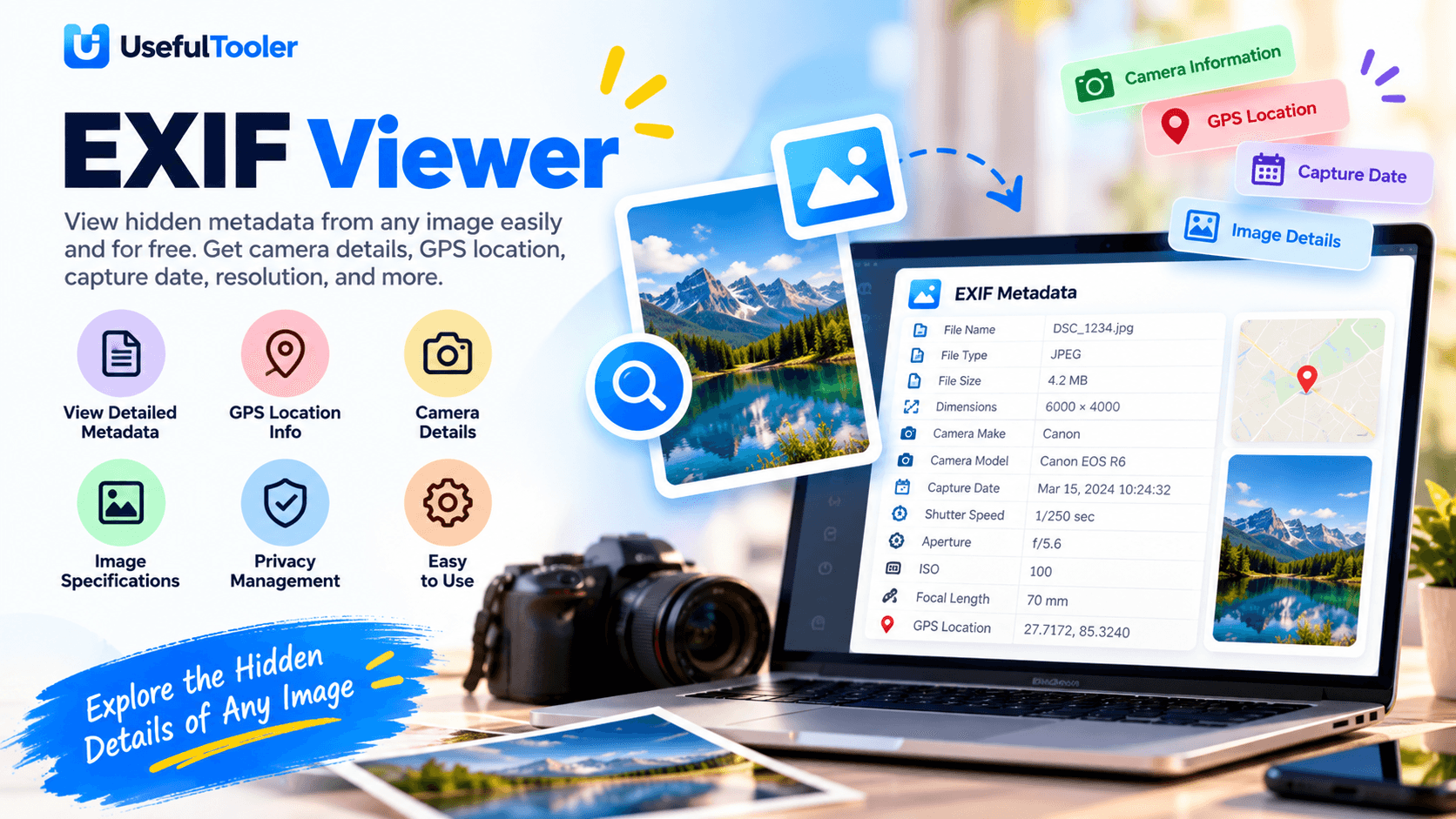
An EXIF Viewer is an online tool that allows users to view hidden metadata from an image. It displays various information, such as GPS location, camera details, capture date, and image quality. This tool is completely free to use.
Written by SamundraLast updated
Drag and drop files here
Supports .jpg and .jpeg — multiple files at once
Your photos are never uploaded anywhere — everything runs on your device.
No files yet
Add a photo above to see what's inside.
Related tools

Introduction
An EXIF Viewer is a completely free online tool that anyone can use. It allows users to view the hidden metadata stored in any image. This information is not normally visible, but by using this tool, users can easily access details such as the camera model, GPS location, capture date, resolution, shutter speed, and many other technical details. The tool is very easy to use, and no registration or sign-up is required.
Why Use an EXIF Viewer?
The reason for using this tool is that it can easily display the hidden information of any digital image, and this information can be very important. Images are stored based on this information, which is why it has great importance. By using this tool, we can understand what the image is like, check its quality, and get information about how it can be stored properly. Therefore, this tool is widely used by designers and developers to help improve performance.
Key Features of EXIF Viewer
How to use
Upload Your Image
Upload the image from your device for which you want to view the information.
Automatic Metadata Extraction
After the image is uploaded, the tool instantly and automatically extracts the image information. Users can then check the available information.
View and Analyze the Information
Once the processing is complete, the tool automatically provides the metadata information. Users can view and analyze the information according to their requirements.
Frequently asked questions
What is an EXIF Viewer?
An EXIF Viewer is an online tool that allows users to view hidden metadata stored inside image files, including camera information, capture date, GPS data, and technical image details.
How do I view EXIF metadata online?
Simply upload your image file to the EXIF Viewer. The tool automatically extracts and displays available metadata information.
What information can an EXIF Viewer show?
An EXIF Viewer can display camera model, image dimensions, capture date, GPS location, ISO, aperture, shutter speed, focal length, and other technical details.
Is the EXIF Viewer free?
Yes, most EXIF Viewer tools are free and can be used without registration or software installation.
Last updated:
Share this tool
Know someone who'd find it useful? Send it their way.